Practical guide
How to Generate Multiple AI Images From One Prompt
Turn one prompt into a useful four-image decision set by controlling what stays fixed, what changes, and how each direction earns its place.
The central idea
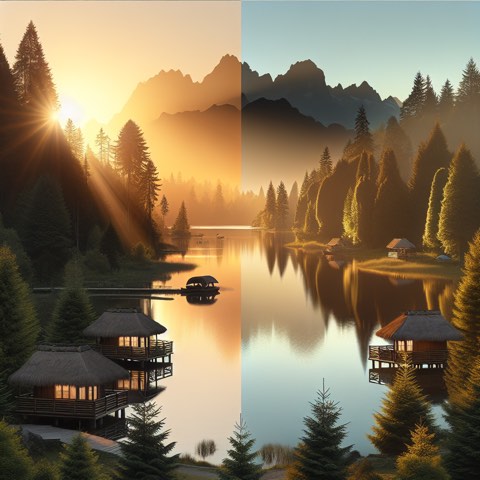
Multiple outputs are valuable only when they expose meaningful choices. Keep the subject and communication goal fixed, assign each image a different creative job, and review the batch as a decision set rather than four lottery tickets.
A repeatable workflow
Write the invariant
State the subject, audience, message, and any detail that must survive every direction in one compact block.
Name four jobs
Give each direction a role such as literal, premium, playful, or unexpected instead of asking for vague variety.
Change one visual system
Vary composition, setting, palette, or medium deliberately while leaving the invariant language untouched.
Select by usefulness
Judge message clarity, distinctiveness, and next-step potential before judging surface polish.
Worked example
For a refillable water bottle launch, hold the product idea and low-waste message steady. Direct one image toward a clean studio demonstration, one toward an outdoor ritual, one toward a material close-up, and one toward a bold conceptual metaphor. The result is a creative conversation, not four nearly identical bottles.
Review checklist
- The unchanged idea is explicit
- Every direction has a named purpose
- Only a few variables change at once
- The winning image advances the brief
Limitations
- Text prompting cannot preserve an exact product or person
- Four outputs improve choice but do not guarantee a usable result