Practical guide
AI Product Photography Prompts for Concepting—Not Counterfeiting Your SKU
Use text-to-image for product-photo concepts while protecting customers from inaccurate labels, proportions, materials, features, and claims.
The central idea
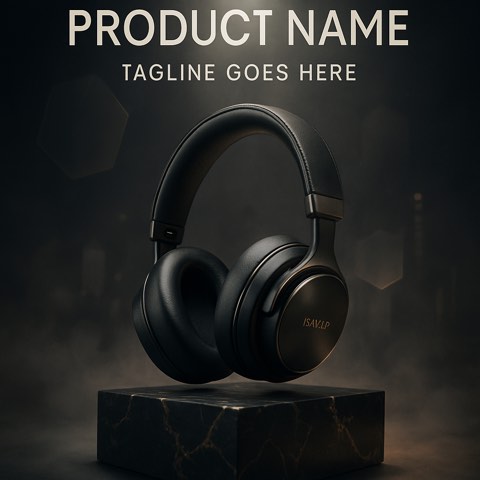
Text-to-image is strong for exploring environments, composition, light, and campaign tone. It is unsafe as proof of an exact product. Treat the generated object as a stand-in, preserve the real SKU for final production, and label concepts honestly.
A repeatable workflow
Define the concept job
Choose packshot direction, lifestyle world, editorial treatment, ingredient story, or campaign hero—not final listing accuracy.
Describe visual behavior
Prompt setting, composition, surface, light, palette, and mood without relying on an invented brand label.
Mark the stand-in
Document which object details are fictional and what must be replaced with photography, rendering, or compositing.
Review commercial risk
Check features, materials, quantities, ingredients, packaging, claims, people, and environment before sharing.
Worked example
A reusable skincare bottle concept can explore translucent bathroom light, laboratory precision, tactile ingredient macro, and sculptural campaign hero. The final package, label, color, and product texture should come from controlled real assets rather than the generated stand-in.
Review checklist
- The output is labeled as a concept
- Exact SKU details are not implied
- The production replacement is planned
- Claims and context receive review
Limitations
- Text-only generation cannot preserve an exact SKU
- Marketplace listing rules may require real and accurate product imagery