Practical guide
AI Image Aspect Ratios Explained: Compose for Square, Portrait, and Landscape
Understand how square, portrait, and landscape frames change subject scale, visual hierarchy, negative space, and generation behavior.
The central idea
Changing aspect ratio asks the model to recompose, not merely crop. The frame affects subject scale, number of elements, environmental context, movement, reading order, and the amount of usable copy space.
A repeatable workflow
Start from destination
Choose the primary channel and content job before selecting square, portrait, or landscape.
Sketch the hierarchy
Decide subject position, visual path, negative space, horizon, and protected zones within that frame.
Prompt the composition
Name camera distance and focal placement in language that matches the chosen ratio.
Generate native alternatives
Create separate compositions for major ratios and compare them in their real layouts.
Worked example
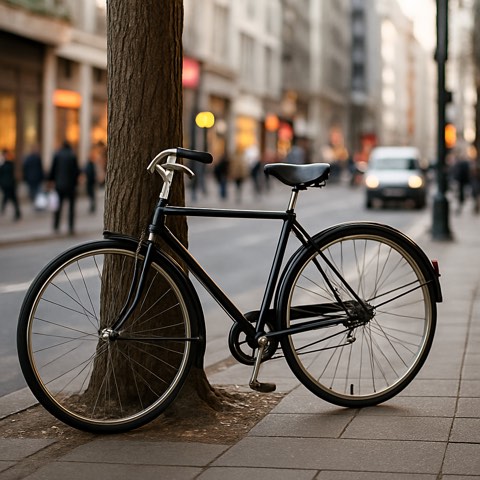
A cyclist in square format can use a compact diagonal; portrait can emphasize vertical city scale and forward motion; landscape can create route and destination context with copy space. Cropping one master frame would lose those opportunities.
Review checklist
- The destination determines the ratio
- Hierarchy is planned inside the frame
- Composition language matches the ratio
- Major formats are generated natively
Limitations
- Model output dimensions differ from final delivery requirements
- Responsive placements may still need careful cropping